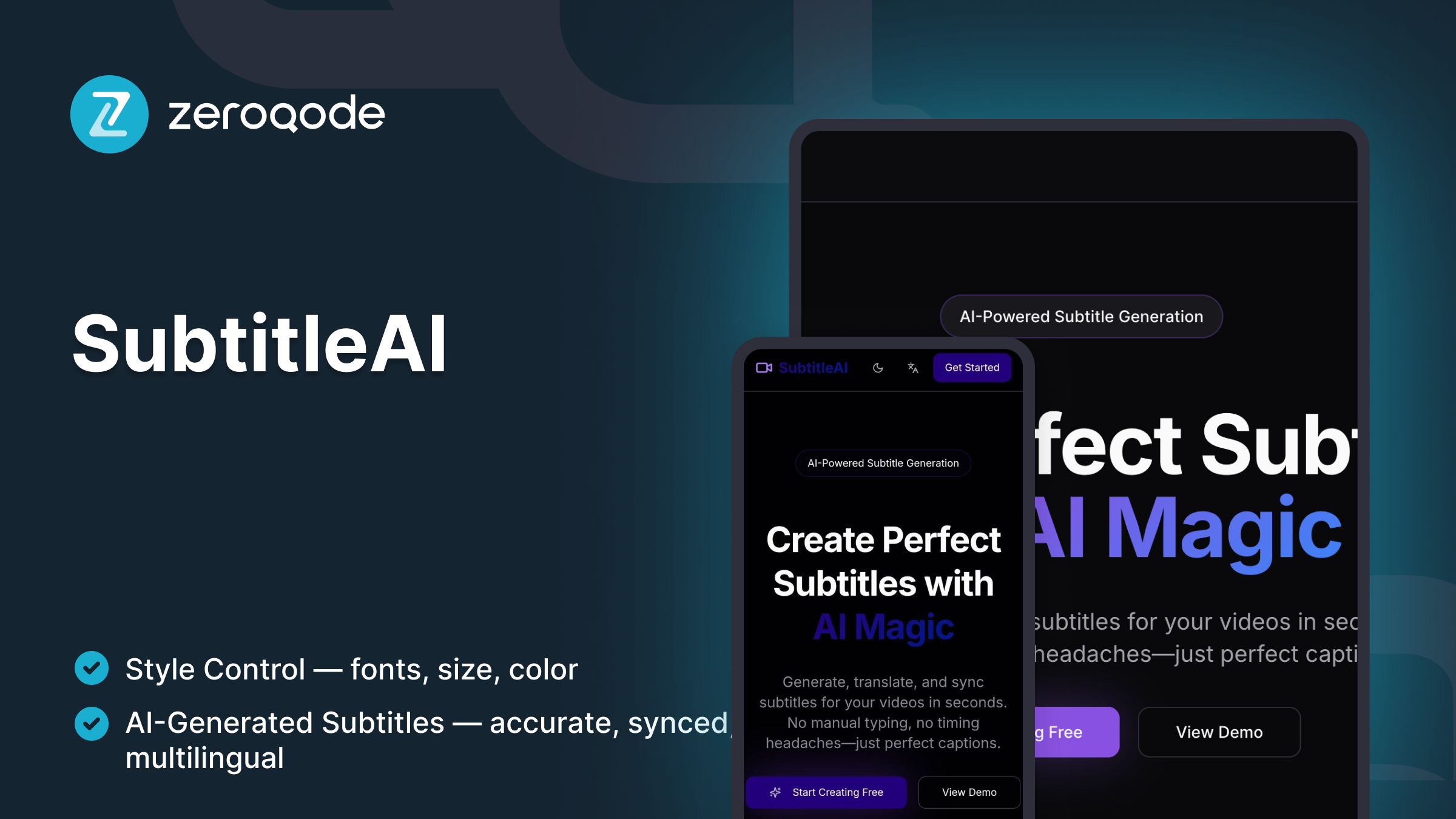
SubtitleAI
AI-powered video subtitle editor- upload your video, auto-generate subtitles, edit them inline, and export in SRT or burned-in format in seconds.
0 Remixes
Loved by people who build SaaS
Created byZZeroqode
ReactLovable
What's Included
Home / Upload — drag & drop or browse to upload video files (MP4, MOV, WEBM).
AI Transcription — automatic speech-to-text with timestamp alignment.
Subtitle Editor — inline text editing with pause & preview sync.
Timeline View — scrub timeline, adjust subtitle durations visually.
Translation Mode — optional AI translation into selected languages.
Preview Player — video playback with live subtitle overlay.
Export Options — download .srt, .vtt, or export burned-in subtitles to video.
Font & Style Controls — customize subtitle font, size, color, and position.
Multi-language Projects — manage and export multiple language tracks.
Responsive Layout — fully optimized for desktop and tablet editing.
Getting Started Guide
Follow these steps to customize and deploy your project
Video Walkthrough
Step-by-step Guide
Duplicate & rename
Example prompt
Upload & setup file input
Example prompt
AI transcription setup
Example prompt
Editable subtitle panel
Example prompt
Timeline & preview synchronization
Example prompt
Translation workflow
Example prompt
Styling & appearance options
Example prompt
Export formats
Example prompt
Privacy & local processing notice
Example prompt
Help & publish
Example prompt